

Used Phone Shopping in Haeundae
Noran Market, Busan Haeundae Centum Branch
Puranna’s Notes
Used phone shopping always reminds me how much of our lives a single device holds.
Photos from past trips, contacts saved years ago, even a few lines tucked away in the Notes app.
That makes selling your old phone—or choosing another preowned one—worth a little more care than an ordinary purchase.
Noran Market’s Busan Haeundae Centum branch in Haeundae, Busan, South Korea, is worth considering if you want to compare your options for selling and buying a preowned phone in one place.

The glass entrance and interior of Noran Market’s Busan Haeundae Centum branch
Finding the Shop on the Third Floor of KNN Tower in Centum

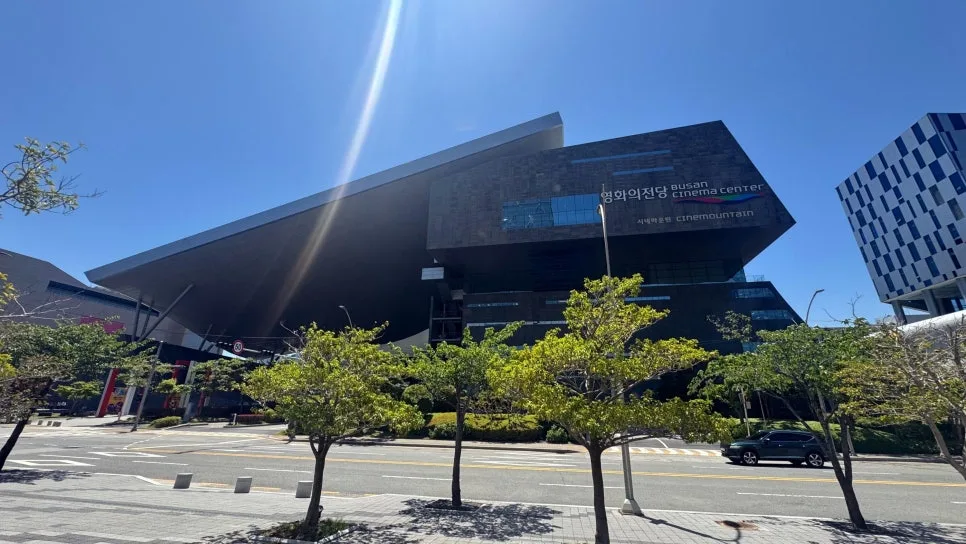
Centum’s large buildings often have multiple entrances, so if this is your first visit, enter the exact business name into your map app.
Look for the red KNN sculpture first, then head inside and up to the third floor.
A Clear View of the Consultation Area as You Walk In
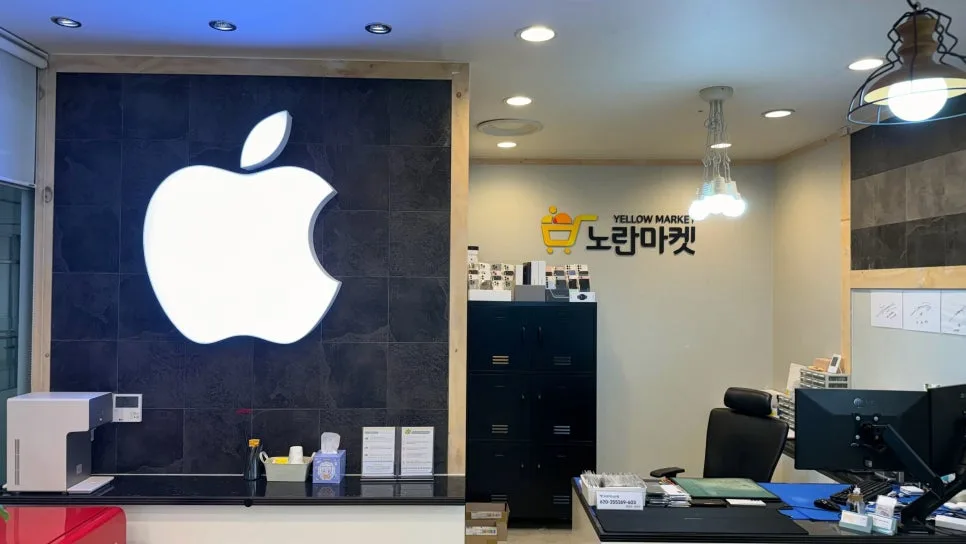
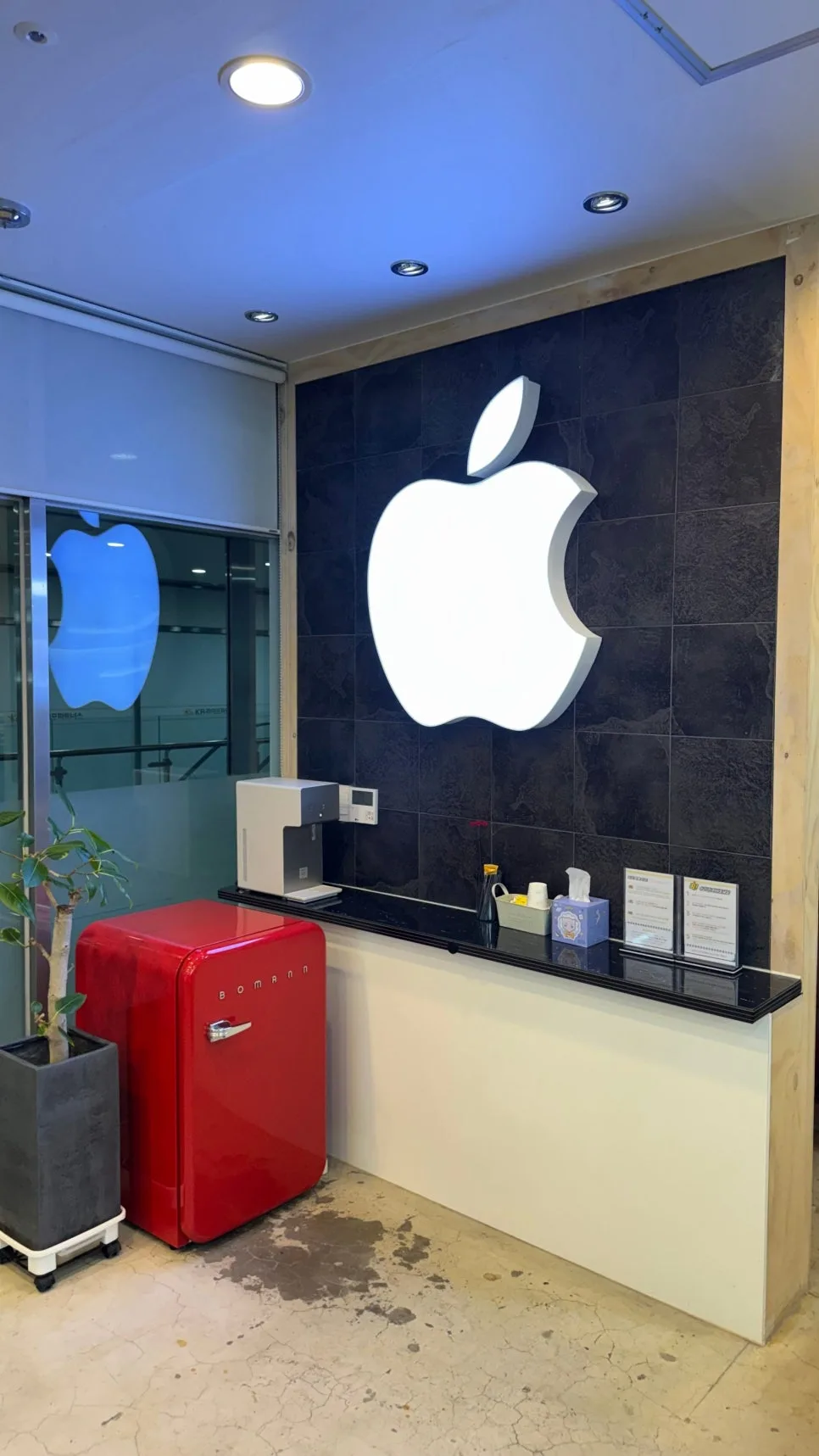
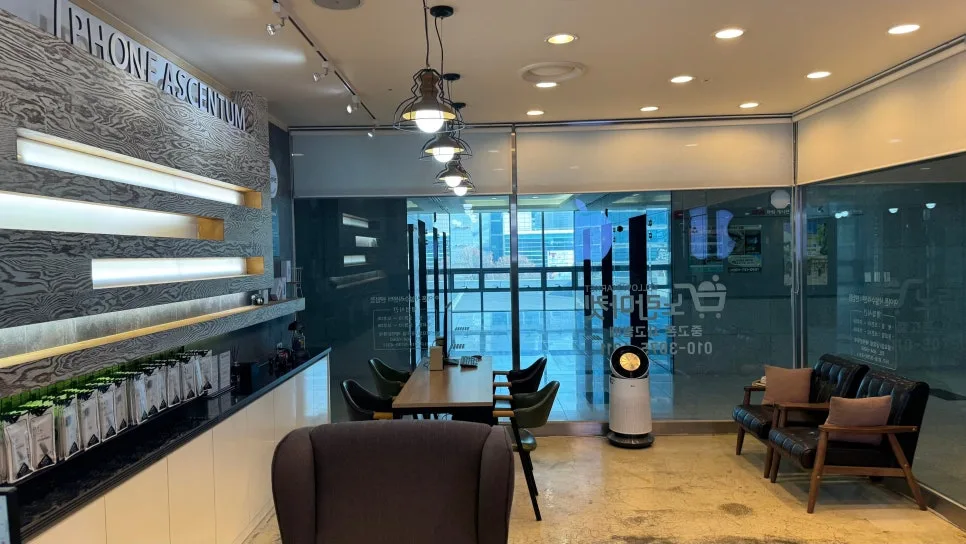
The first things I noticed were the large Apple logo and the Noran Market sign.
The consultation desks, waiting chairs, and product browsing area are all easy to spot, so it doesn’t take long to get your bearings.
When buying or selling a phone, even a small detail in the terminology or terms can feel unfamiliar.
Rather than rushing to choose a device, ask your questions one at a time and walk through the selling or buying process carefully.
Selling a Used Phone in Haeundae: What to Check Before the Price
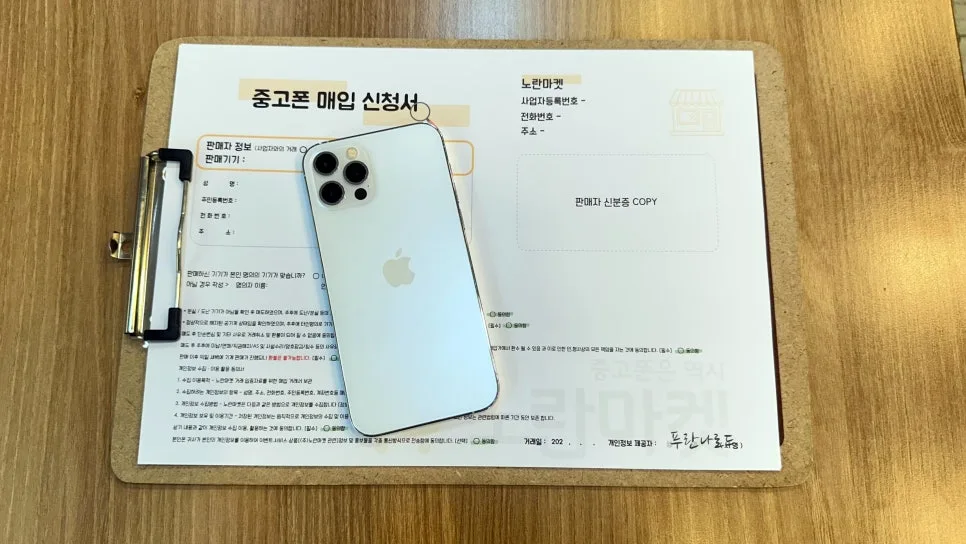
An iPhone beside a used-phone purchase form with fields for the seller’s information
Selling Starts with Checking the Device and the Terms
When you sell your phone, the assessment covers more than its model and storage capacity. Its exterior, screen, cameras, charging performance, and other functions all matter.
The store’s phone buyback form has separate sections for seller details, device information, and transaction consent, giving you a chance to see how the sale is documented.
Planning to sell a used phone in Haeundae?Before visiting, back up your photos and contacts. Also check that you’ve signed out of your Apple or Google account, reviewed your Find My settings, and taken care of your physical SIM and eSIM.
The final quote may change after an in-person inspection, so treat any amount you see online as a starting point rather than a guaranteed offer.
As the seller, you should prepare your own backup and factory reset to protect your personal information.
For extra peace of mind, ask before agreeing to the sale what additional data-handling steps the store performs and how you can confirm they’re complete.
Used Phone Shopping: Check the Device and the Terms
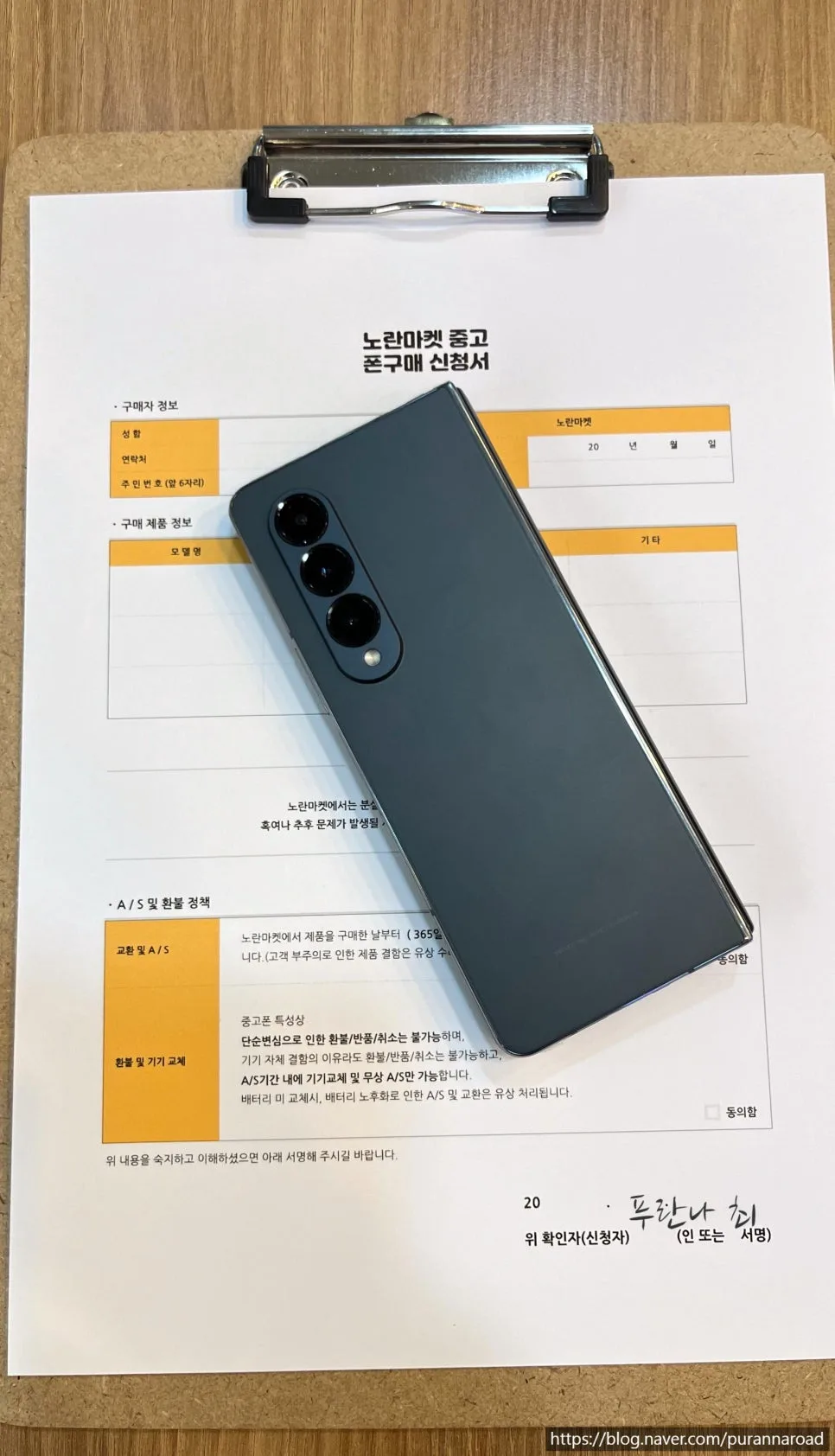
A foldable smartphone beside a used-phone purchase form outlining repair support and refunds
Look Beyond the Model to Exchange and Repair Policies
Even if a preowned phone looks spotless, there’s still plenty to check.
Look for screen burn-in from text or icons, test the touchscreen, and check battery health. Then work through the cameras, speakers, microphone, and charging port.
The purchase form also includes information about exchanges, after-sales repair support, and refunds.
If you’re buying a preowned phone in Haeundae,don’t arrive with only a model and storage capacity in mind. Check that the previous carrier service has been properly terminated, what the warranty covers and for how long, and which issues count as user-caused damage.Those details deserve just as much attention.
Inventory and available services can vary by branch and day. If you want a particular model or a specific repair, contact the store before visiting.
Comparing Your Options in One Place
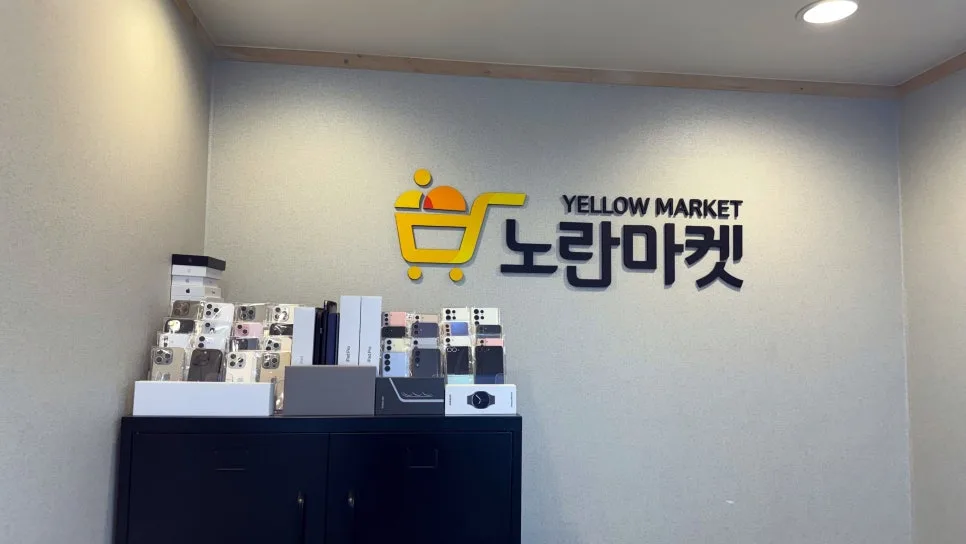
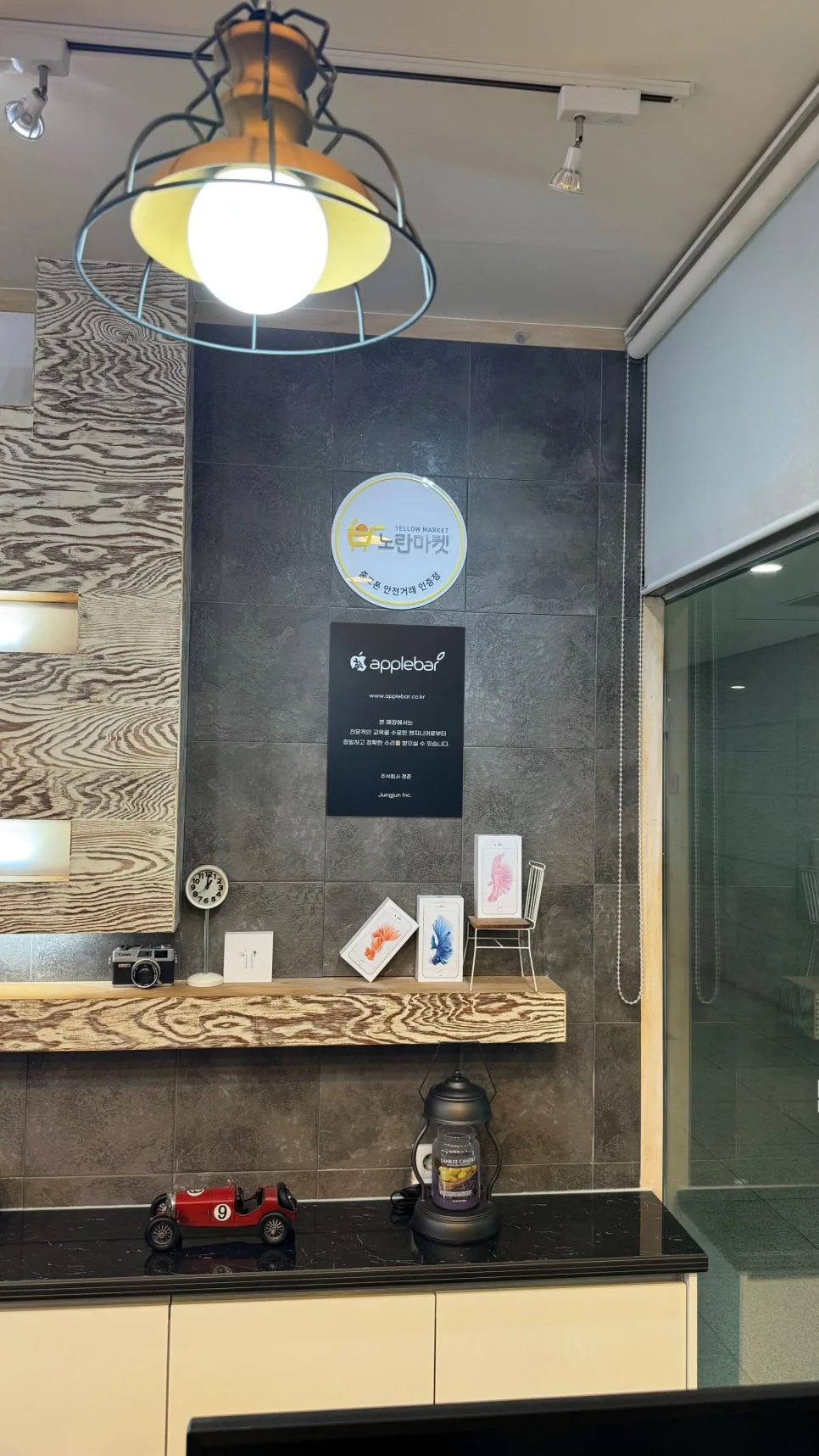
Products and informational displays beneath the Noran Market logo
A Space to Take Your Time with the Details and Paperwork
Preowned phones, related products, and informational materials are neatly arranged throughout the store.
Being able to assess the phone you’re selling, then compare replacement devices and prices, saves you the trouble of going from shop to shop.
Even within the same model, though, the terms can vary depending on cosmetic condition, battery health, and storage capacity.
Rather than deciding from photos or a condition grade alone, compare the actual device with what’s written on the transaction form.
Puranna’s Tip
A quick check of the following points can make your consultation much smoother.
|
What to Check |
When Selling |
When Buying |
|
Before Your Visit |
Back up photos and contacts; check your physical SIM and eSIM. |
Ask about stock for your preferred model, storage capacity, and color. |
|
Accounts and Personal Data |
Sign out of Apple and Google accounts; turn off Find My. |
Confirm that the previous owner’s information has been erased. |
|
Device Condition |
Check the screen, exterior, cameras, charging performance, and battery health. |
Test the touchscreen, cameras, speakers, microphone, and charging. |
|
Transaction Details |
Confirm the final buyback offer and any deductions after the in-person inspection. |
Check that the previous carrier service has been properly terminated, that the phone hasn’t been reported lost, and which accessories are included. |
|
Paperwork and Warranty |
Ask beforehand which documents you need, including identification. |
Review the purchase form’s exchange, refund, and after-sales repair terms. |
Phones of the same model can still come with different terms depending on cosmetic condition, battery health, and storage capacity.
Confirm the selling price after the physical inspection. When buying, consider both the device’s condition and its warranty coverage.
Noran Market Busan Haeundae Centum Branch: Essential Information
-
Address: 3rd floor, KNN Tower, 30 Centum seo-ro, Haeundae-gu, Busan, South Korea
-
Phone : 0507-1284-0982
-
Hours : Monday–Friday / 10:00 AM–8:00 PM
Saturday / 11:00 AM–6:00 PM
Sunday / noon–4:00 PM
Note: Make an appointment for weekday visits after 7:00 PM, public holidays, and Sundays.
-
Main Services: Preowned phone sales and purchases, repairs, exchanges, and other phone-related services
Note: Confirm your branch’s available services and inventory before visiting.
On Naver Map, search for“Noran Market Busan Haeundae Centum Branch” to find the store.
A Page from Puranna’s Notebook
Letting go of a phone you’ve used for years feels a little like sorting through past seasons of your life, all held in one hand.
Save what you want to keep, securely clear what you’re leaving behind, and then choose what comes next.
Whether you’re selling or buying, taking your time and checking each detail makes the whole transaction feel much more straightforward.
Comparing preowned phone stores in Haeundae? Used phone shopping is about more than the price tag: pay attention to the consultation, the paperwork, and the warranty terms that apply afterward.
A good decision isn’t necessarily the quickest one. It’s the one that leaves you with no unanswered questions.
What’s the first thing you check when selling or buying a preowned phone?
If you’ve picked up useful tips from your own transactions, or have something you always make sure to check, share it in the comments.
Your experience could help someone else make a more informed choice.